 Denys Hargrove
 Key Takeaways
- LOC on a Dacor oven is the control lock indicator, not a fault, and the oven works normally once it is unlocked.
- The lock switches on when certain keys are held for 3 to 5 seconds, often during cleaning or by a child.
- Hold the lock key, usually CANCEL or LOCK, for about 3 seconds, and check the manual for your series.
- If the keys do nothing, switch the breaker off for 2 minutes to clear the stored lock state.
- A lock that returns by itself, or LOC with another code, points to a stuck key or another fault that needs service.
The Bottom Line
Hold the lock key for about 3 seconds, and try a 2-minute breaker reset if that fails. A lock that keeps coming back with no button pressed needs a technician.
A Dacor oven that will not start when you press BAKE usually has a simple explanation, and it is one that most owners never think of: the control panel is locked. The display shows LOC or a padlock, every key does nothing but beep, and the oven looks dead. It is not. The lock is a feature that someone, or something, switched on, and it clears in seconds once you know the key sequence. This guide covers why it happens, how to release it on the different Dacor series, and the two situations where the lock is a sign of something else.
| What you notice | Likely cause | What to do |
|---|---|---|
| LOC or a padlock on the display, no key responds | Control lock switched on | Hold the lock key for about 3 seconds |
| One short beep per key press, oven does not heat | The panel is receiving input but is locked | Unlock; the oven should then run normally |
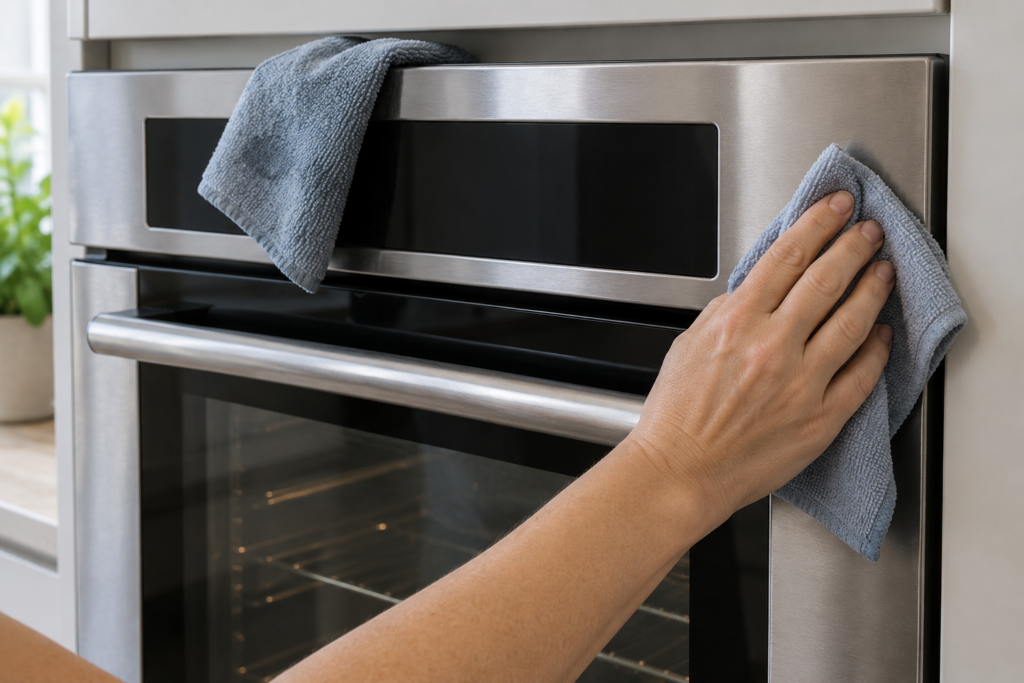
| It locked while you were cleaning the panel | A damp cloth held a key for 3 to 5 seconds | Unlock, and clean with the oven locked out of the way |
| The unlock sequence does nothing | Wrong key combination for the series | Check the manual, then switch the breaker off for 2 minutes |
| LOC returns at once with no button pressed | A stuck key on the touchpad | See the F7 page and book service |
Why Is My Dacor Oven Control Panel Locked?
Because the control lock was turned on, either on purpose or by accident, and the oven is behaving exactly as designed. This site's LOC page is explicit that LOC is not a fault. It is the indicator that all touchpad inputs are disabled to prevent accidental or unauthorized use, and it is rated safe: the oven is fine once it is unlocked.
The page lists two causes. In the first, someone deliberately enabled the lock, which is common in homes with young children. In the second, something held a key long enough to trigger it. On Dacor ovens the lock activates when certain buttons are held for three to five seconds, and a cleaning cloth resting on the panel, a piece of paper, or a child's hand can do it.
The lock has a recognizable set of signs, and spotting them saves a service call.
- LOC or a padlock on the display and no key starts any function, timer or temperature entry.
- A single short beep for each press, which shows the panel is listening but locked.
- No heat after BAKE or BROIL, because the cook-mode keys are ignored.
- Normal operation the moment it clears, which is the clearest sign that nothing was ever broken.
How Do You Unlock a Dacor Oven Control Panel?
Hold the same key that locked it for about three seconds, until you hear a beep and LOC disappears. The lock and unlock gestures are identical, so the same hold toggles the state. Which key you hold depends on the series, and the code page describes two groups.
- Heritage and Modernist ovens — press and hold the CANCEL or LOCK button for 3 seconds until you hear a beep and LOC clears.
- Some Contemporary models — hold BAKE and CANCEL together for 3 seconds.
- Anything else — check the label on the control panel or the owner manual for the exact sequence for your model.
The page's own advice is to stop and consult the manual if the standard sequence does not release the lock after two attempts, because each Dacor series uses a slightly different combination. Repeated random pressing does not help and can cause other settings to change.
What If the Unlock Sequence Does Nothing?
Turn the circuit breaker off for two minutes and switch it back on. The page says the control lock state is stored in volatile memory on some Dacor models and clears on a full power cycle, which is why this simple step works when the keys do not.
- Try the unlock sequence twice, counting three seconds for each hold.
- Check the manual or panel label for your series, in case you were using the wrong combination.
- Switch the breaker off for two minutes, then restore power.
- Test a short bake once the display is normal.
If LOC comes back straight away and nobody touched the panel, stop. The page says to treat that as a sign of a stuck touchpad key and not as an intentional lock.
Can a Locked Panel Be a Sign of a Real Fault?
Yes, in two cases. The first is a lock that returns immediately after clearing with no button press, which points to a stuck key, the fault described on our F7 stuck keypad button page. That page connects it to grease or food residue under a key. The second is LOC appearing together with another fault code. The advice is to service the underlying fault first and then clear the lock.
A panel that cannot be unlocked by any key sequence, even after a power cycle, may have a touchpad or board problem and needs a technician. The code page also notes that on ranges the surface burner knobs on gas models keep working while the panel is locked, because they act directly on the gas valve, which explains why a range can seem half-alive.
Stopping It From Happening Again
Most lock events happen during cleaning or when a child is nearby, so a few habits keep the panel usable.
- Lock the panel on purpose before you wipe it down, so you know the state it is in, and unlock when you are done.
- Do not rest a wet cloth or paper towel on the touchpad while you clean the rest of the oven.
- Know your key sequence, and write it on a sticky note inside a cabinet door if it is hard to remember.
- Wipe the panel gently, since grease under the keys is what eventually produces a stuck-key fault.
When to Call a Technician
Call if the lock will not clear after the key sequence and a power cycle, or if LOC keeps returning by itself. Do not open the control panel yourself. A stuck key repair is listed at from $200 on our F7 page, and the final price is confirmed after diagnosis on site, with a written estimate before work begins.
When you book, say which series you have, what you pressed, and whether a breaker reset changed anything. Our oven repair service covers the control and touchpad. If the oven is unlocked but still will not heat, our guide to a Dacor oven not heating is the next place to look, and LOC on a Dacor range has its own page. When you are ready, book a visit or send us the model number and what the display shows.